




AI Tools for Small Business: 10 Options Compared by Need
A fuel receipt gets photographed on a forecourt at 7am. A hotel invoice lands in a downloads folder and stays there. A supplier bill arrives by email on a phone with 4% battery, gets forwarded to nobody in particular, and disappears under three WhatsApp threads. By the 28th, the paperwork sits in four places and the bookkeeping is a week behind.
That shoebox isn't a shoebox any more. It's a camera roll, an inbox, a chat history and a carrier bag in the passenger footwell. The cost isn't the receipts themselves. It's the Sunday you spend reconciling them, and the categories your accountant ends up guessing at three months later.
This guide compares ten AI tools for small business by the admin job each one removes and the review step it still leaves you. Receipt capture, accounting, customer records, workflow automation, design. Each entry says who it suits, where it helps, and what a human still has to check before the numbers are trusted.
Group the problem before you shop. A receipt mess needs a capture tool, not a CRM. Line up the work first, then pick one or two products for it. If your admin sprawl runs past paperwork into quoting, scheduling and follow-up, the guide to automation software for growing service businesses covers that layer.
1. Snyp
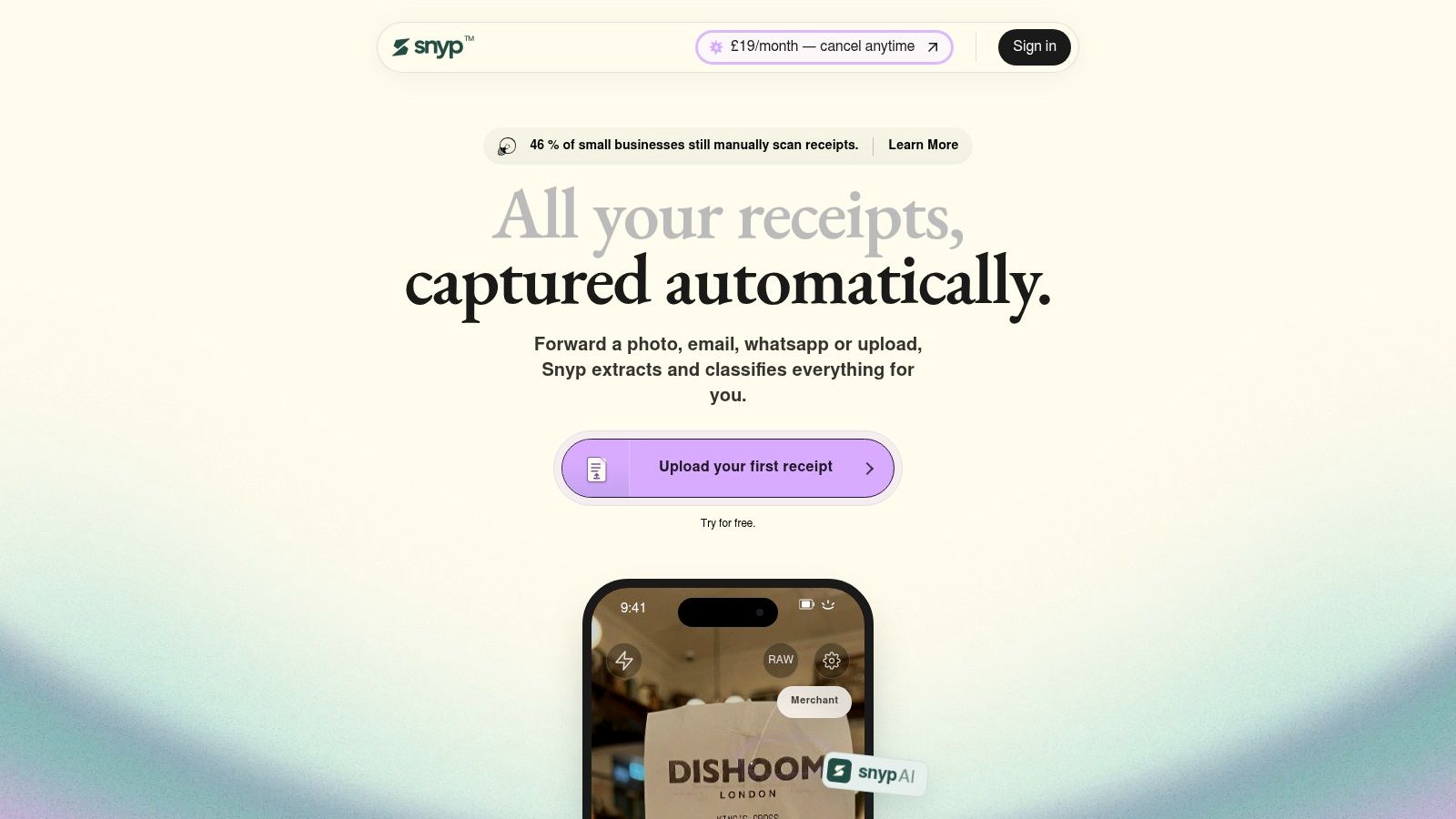
Receipt admin fails because capture asks people to change habits. Snyp takes it through a channel you already use, and structured data lands in your ledger.
The job it removes
Send a photo by WhatsApp, forward the email, or upload a file as JPEG, PNG or PDF. Extraction picks up vendor, date, line items, VAT, total, payment method and currency, then assigns a category from your chart of accounts: Meals & Entertainment, Domestic Travel, Fuel & Vehicle, Software & Subscriptions, Office Supplies. UK VAT rules come handled out of the box, and a solicitor's contract review or an IT consultant's monthly retainer lands in Xero or QuickBooks under the correct nominal code, with legal, accounting and consulting fees kept in separate categories.
Multi-line professional invoices keep the full breakdown: time entries, hourly rates, disbursements. No templates needed, so blurry forecourt photos, long supermarket receipts and handwritten notes still read cleanly.
All three intake routes sit inside the £19/month plan, billed monthly, with a free trial.
Why habit beats capability
OECD analysis of the UK government's Longitudinal Small Business Survey puts the share of UK firms using AI, robotics or automation at 8.6% in 2022, up from 3.4% in 2018. Adoption stays low because most tools demand new habits instead of fitting existing ones.
The tools that attach to a habit get used; the rest get abandoned in week three. The review link follows the same logic: your accountant or bookkeeper checks the captured data without needing a Snyp account, which is what kills the quarter-end chase email.
What still needs a human
Approval rule: nothing reaches your ledger until someone confirms it.
- Odd documents: a smudged multi-page statement or a handwritten chit deserves a second look.
- Foreign spend: Snyp detects the currency on the receipt itself, EUR, USD, JPY or any other, but check the VAT treatment before you file.
- New suppliers: categorisation sharpens as your regular vendors are recognised, so watch the first few batches closely.
Snyp runs at snyp.ai and as a mobile app, built for freelancers, sole traders and small businesses who want the shoebox gone. Tara, Founding Partner at Strange Ventures, puts it plainly: "I can't deal with admin. I take a photo, send it to Snyp, and keep going. I don't even check on it. It's just handled."
2. Xero

Xero absorbs reconciliation work rather than describing it. It's UK-focused accounting software for sole traders and small businesses: bookkeeping, invoicing, bank reconciliation, VAT returns and Making Tax Digital workflows, with JAX, its finance assistant, handling routine finance questions. Smart document capture and Hubdoc on listed plans feed the ledger.
Where it earns its keep
The weekly bank rec is the job it removes, along with the receipts pile that feeds it. Automated entries stay reviewable, which is the detail that decides whether a sole trader trusts the books at year end.
The UK adoption gap explains why that matters. AI adoption research published by the Department for Science, Innovation and Technology in 2025 found 14% of micro-businesses were currently using AI, against 36% of large businesses. Micro-businesses rarely lack interest. They lack a use case and the hours to learn one. An assistant sitting inside software they already pay for removes both objections at once.
Trade-offs
- Setup time: heavier than a standalone capture tool, because you're configuring a ledger, not an inbox.
- Plan variance: included features and limits differ, so compare them against your document volume before committing.
If you're weighing the tiers, Xero pricing in the UK is where the differences matter.
3. QuickBooks Online
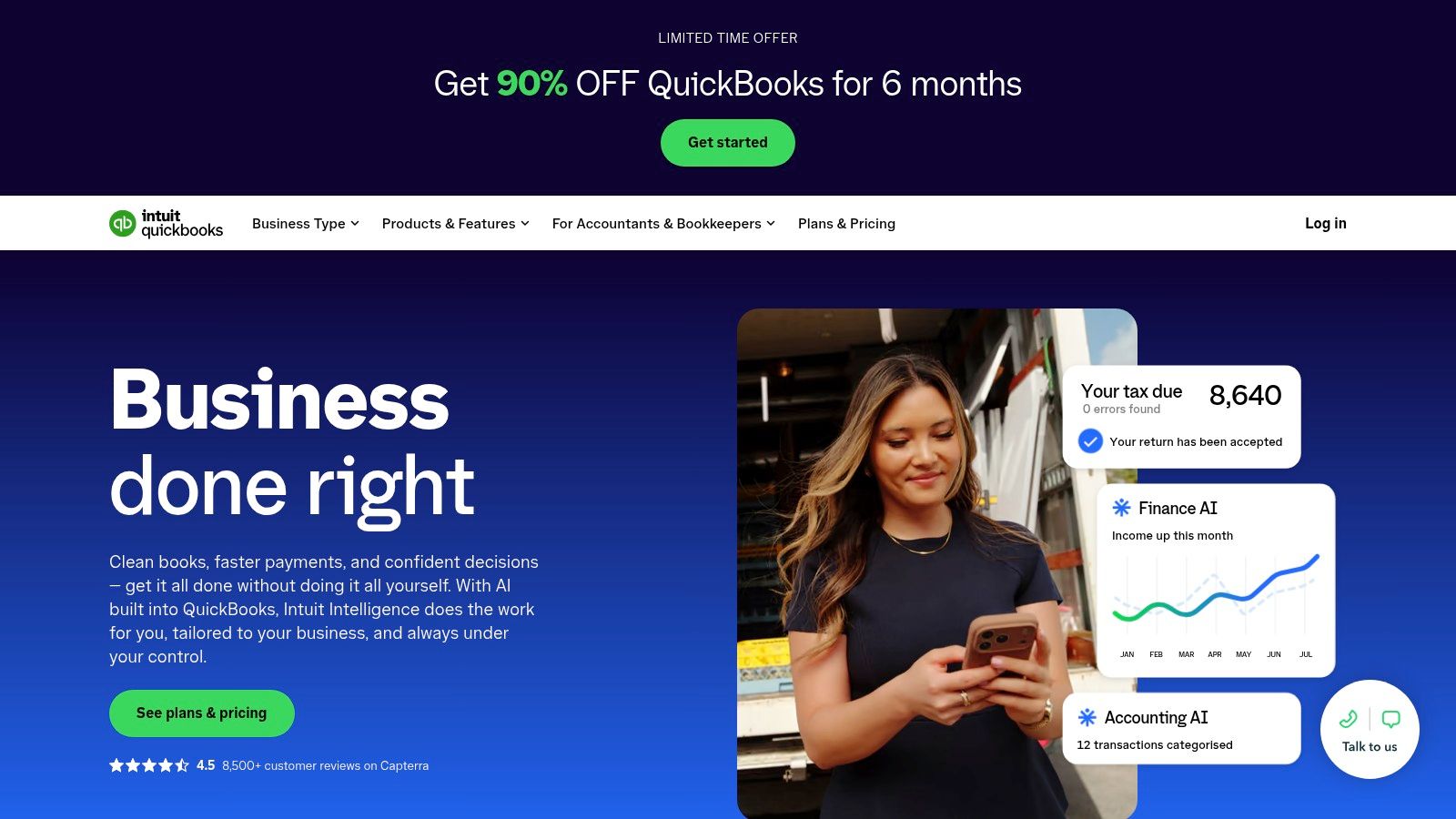
Most QuickBooks questions from small businesses are about receipts, not reports. The mobile capture matters more than the dashboard.
Receipts first, reports second
Photograph a receipt and the expense details come off it, with AI-assisted categorisation and anomaly checks under the Intuit Intelligence banner. Invoicing, bank feeds, mileage tracking and accountant access sit in the same product, so a receipt snapped on a job site lands in the same ledger as the invoice it belongs to. The UK version carries VAT and Making Tax Digital features on eligible plans.
Small firms are using AI at work in growing numbers, and the question that decides its value is where that use lands. Asking a chatbot to summarise an expense produces an answer. Snapping the receipt inside QuickBooks produces a categorised entry in the books. Only one of those is still there at year end.
Where it needs a check
Categorisation is a suggestion, not a decision. Scan a month of statements and two or three entries will need moving.
Plan gating is the other constraint. AI and accounting features vary by tier, so confirm what's included before you commit. A strong fit for contractors working from a van or a site cabin who want capture and books in one app. A poor fit for anyone who only needs somewhere to send receipts.
4. Dext
If paperwork arrives in boxes rather than envelopes, start here. Dext is a specialist document-capture product: it processes receipts, invoices and other financial documents, then pushes the extracted data into accounting software. Its capture combines OCR with AI models trained on financial documents.
The job it removes
Manual keying of supplier invoices, at volume. For a bookkeeping practice handling several clients, that's the difference between a junior losing a day to data entry and spending it on queries instead.
Volume has a rough benchmark in the official figures. The Office for National Statistics' Business Insights and Conditions Survey, cited in written evidence to a parliamentary committee, put 24.3% of the UK's smallest businesses using some form of AI technology in late December 2025. For everyone else, the deciding factor is how many documents a month cross the desk.
Trade-offs
- It's a capture layer, not a ledger. You still need Xero, QuickBooks or similar behind it.
- Allowances vary by plan. Check document and user limits against actual monthly volume, including the January spike.
For a firm processing a handful of receipts a week, this is more machinery than the job needs. For one processing several hundred a month across clients, it pays for itself in recovered hours.
5. ChatGPT Business
Ask a general assistant to turn scribbled site notes into a quote, summarise a tenancy agreement, or draft a chasing email that doesn't sound passive-aggressive, and it will. That range is the point.
The job it removes
Drafting and summarising. The Business plan adds a shared workspace, admin and billing controls, and connections to selected tools such as Google Workspace and Microsoft 365, so company context can sit alongside the chat. Uploaded files can be analysed, which covers everything from a supplier price list to a set of survey responses.
It's where a lot of UK small-business AI use happens. Research by the British Chambers of Commerce, reported in 2025, found 35% of UK SMEs were actively using AI technology, up from 25% in 2024 (summary of the BCC findings).
What it won't do
Treat any number it produces as a draft until you've checked it against the source document.
- Arithmetic and tax: it will give you a confident answer and a wrong one. Run figures through your accounts package.
- Specialist work: bookkeeping, legal drafting and tax filing need dedicated software and a qualified eye.
Two seats is the minimum on the Business plan, so a sole trader is often better served by a personal plan and disciplined copy-paste. ChatGPT Business
6. HubSpot
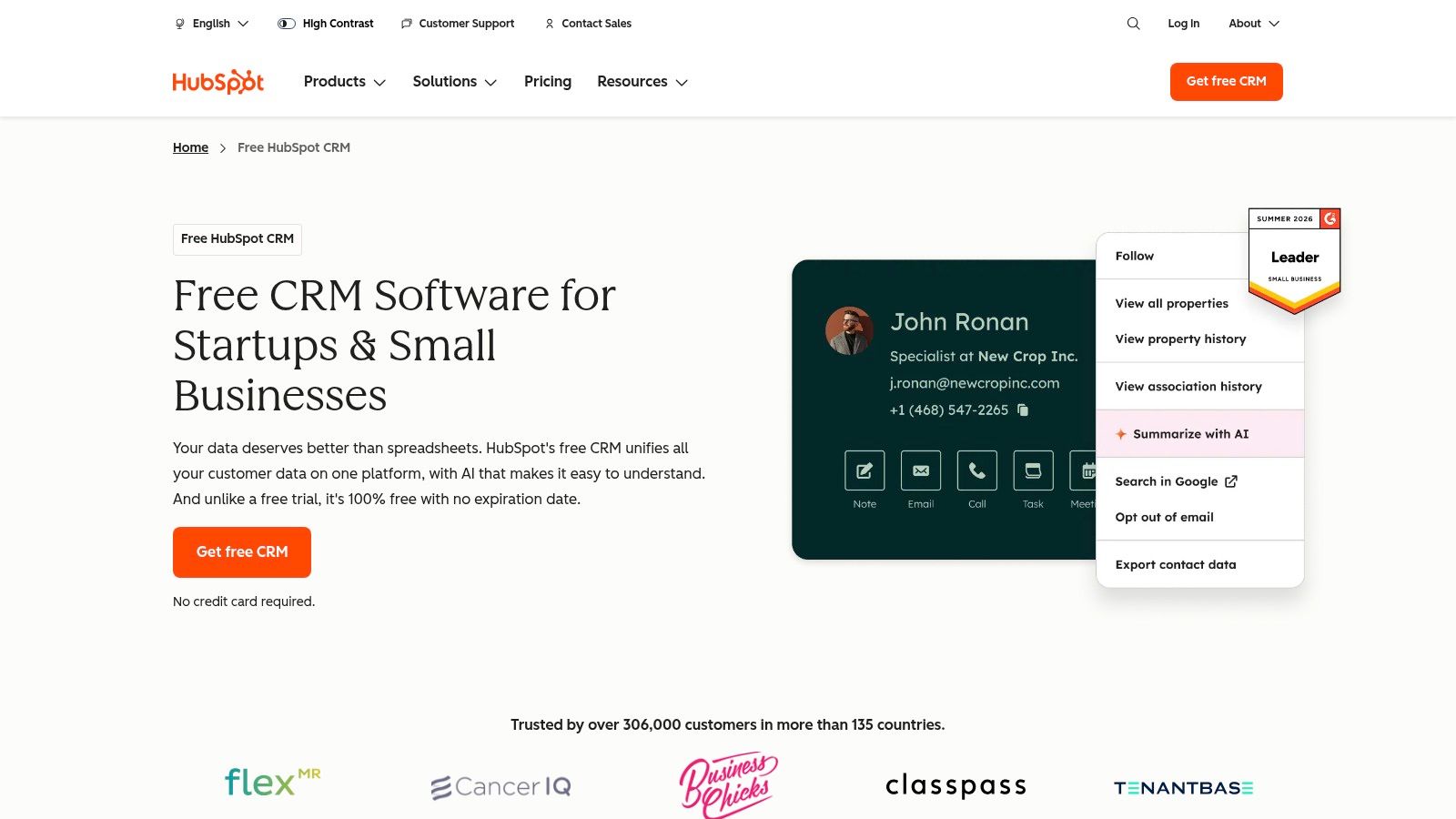
Customer records are the admin job nobody counts. A deal discussed in March gets re-discussed in June because the notes lived in someone's head.
The job it removes
Scattered prospect tracking. HubSpot's CRM holds contacts, companies and deals, with AI features built into the platform and a free tier covering the basics. Paid plans add marketing, sales and service tooling, so a business can start with a pipeline and grow into automation later.
YouGov polled 1,000 SME decision-makers in 2025 and found 31% of UK SMEs said they currently used AI-powered tools, with a further 15% planning to adopt them (YouGov's write-up of the SME AI survey). CRM tends to be the second purchase after accounting, once the pipeline outgrows a spreadsheet.
Trade-offs
- Breadth costs money. Advanced functionality sits on paid tiers, and the full platform can dwarf what a three-person firm needs.
- Data hygiene is human work. AI will summarise a stale record faithfully; it won't tell you the record is stale.
For a considered view before you commit, this HubSpot software assessment covers where it fits and where it doesn't. Good for B2B service firms with a real pipeline. Overkill for a sole trader with six regular clients.
7. Zapier
The job it removes
Copying data between apps. Zapier connects tools with trigger-and-action workflows called Zaps: a form submission creates a CRM contact, a paid invoice creates a task, a new row in a sheet sends a notification. Multi-step Zaps and premium app connections sit on paid plans, and a free tier exists for testing.
The gap it fills is real. A British Chambers of Commerce survey of more than 1,500 UK business leaders found only 11% of firms used technology to a "great extent" to automate or streamline operations, even as AI use rose. Adoption also splits by business model: 46% of B2B service firms reported using AI, against 26% of B2C firms and manufacturers.
Access to AI isn't automation. The difference is whether the handoff between two systems still needs a person.
Where it needs a check
- Silent failures. A Zap that breaks on a changed field stops moving data and says nothing useful for a week.
- Task costs. Usage-based pricing means a chatty automation can climb. Audit the noisiest Zaps monthly.
Getting the accounting handoff right matters more than the number of Zaps you build. Accounting software integration in practice covers how receipt and expense data should land in Xero or QuickBooks.
8. Make
Make is Zapier's more visual cousin. You map a scenario on a canvas, branch it, transform the data between steps, and drop in AI modules or agents where a decision is needed. If you think in flowcharts, it will feel natural. If you don't, it won't.
The job it removes
Multi-step processes that a single trigger-and-action pair can't handle. Content extraction from an emailed PDF, a routing decision based on order value, a scheduled summary built from three sources.
Trade-offs
- Credits are harder to forecast than a flat per-task fee, especially on scenarios with loops and multiple branches.
- Maintenance is real. A scenario built by someone who has left the business is a liability. Document each step as you go.
- Silent errors are the recurring complaint. Build one test record and run it after every change.
Start with the smallest scenario that saves an hour a week, not the grand unified workflow you sketched on a whiteboard.
The free plan allows experimentation, which is the right way to learn it. Paid tiers scale on credits rather than seats, so two people can share the work without doubling the bill. A good fit for an operations-minded owner, a poor fit for someone who wants automation to be invisible.
9. Canva
Design is the admin job people notice. A patchy flyer or a social post carrying last year's logo undercuts an otherwise competent business.
The job it removes
Production, not strategy. Templates cover social posts, presentations, flyers and business documents. AI tools handle resizing across channels, translation and background removal, while the brand kit keeps fonts and colours consistent across whoever happens to be editing that week.
Trade-offs
- AI usage is capped. Free plans carry limited AI allowance and paid plans run under fair-use conditions, so heavy resizing weeks can hit a wall.
- It won't write your offer. The tool makes a polished version of whatever you give it, including a polished version of a weak message.
Templates raise the floor, not the ceiling. A designer still beats a template on the campaign that matters most.
For a business with no design budget, that floor is worth a lot. Paid plans remain cheap against a single freelance brief, and the free tier is enough to test whether you'll use it.
10. Sage Accounting
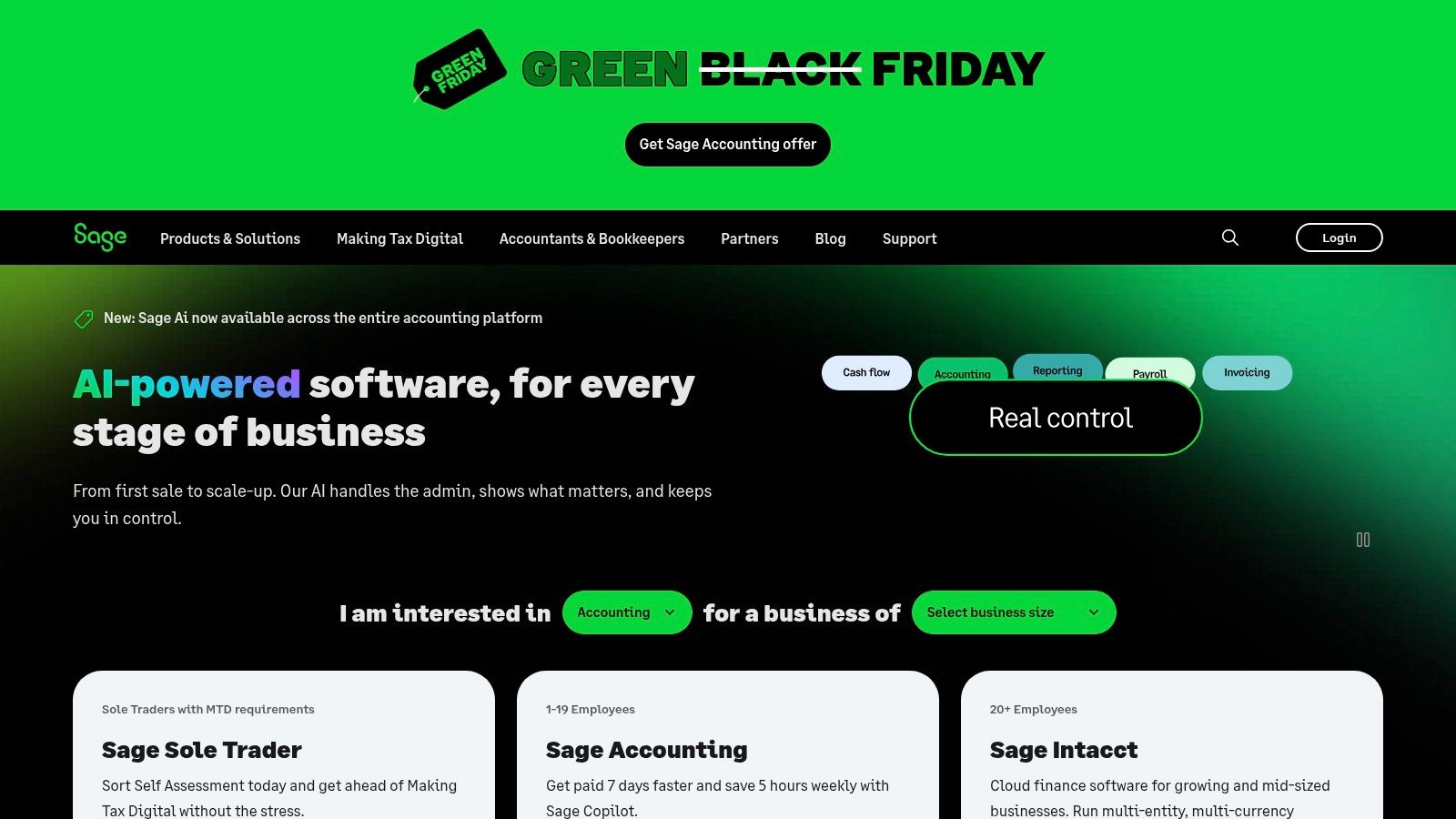
Sage suits a particular shape of UK business: one that wants accounting, payroll and HR from a single provider, and would rather not stitch three subscriptions together.
The job it removes
Bookkeeping admin plus the payroll run. Sage says AI and automation features are built into its accounting, payroll and HR products, and plans are tiered by business stage, from sole trader upwards.
Trade-offs
- Capabilities vary across the range. What's automated in one product isn't necessarily automated in another, so confirm the package against the tasks you're handing over.
- Migration isn't free. Moving ledgers takes an afternoon you will resent if the fit proves wrong.
If you're moving in either direction, moving from Sage to Xero covers what the transfer involves.
The review step still needs an owner. Somebody has to open the file, look at the exceptions and sign it off. With accounting software that human check is the month-end review, and it doesn't disappear because the software got cleverer.
How the Ten Tools Compare by Primary Job and Free Options
Read this table down the job column first. Find the row that matches your bottleneck and stop there, because each tool removes a different admin task and leaves a different review step behind. That review step is where the main cost sits.
| Tool | Primary job it removes | Free option | Review step it still needs | Best for |
|---|---|---|---|---|
| Snyp | AI receipt and financial document capture | Free trial; then £19/month | A quick check and confirm before data syncs | Freelancers and small businesses streamlining receipt collection and reconciliation |
| Xero | Accounting, bookkeeping and invoicing | Time-limited free trial | Month-end review of categorised transactions and VAT | UK small businesses wanting accounting and VAT tools in one system |
| QuickBooks Online | Accounting, expense tracking and invoicing | Time-limited free trial | Checking expense categories and reconciliation exceptions | Small businesses managing receipts, expenses and bookkeeping together |
| Dext | Financial document capture and data extraction | Time-limited free trial | Reviewing flagged items before publishing to the ledger | Businesses and accounting practices processing many documents |
| ChatGPT Business | General-purpose AI assistance for business tasks | Free ChatGPT version; Business tier is paid | Reading every output before it reaches a client or the books | Teams needing flexible help with writing, research and file analysis |
| HubSpot | CRM and sales pipeline management | Free CRM available | Checking contact records and pipeline entries | Small businesses organising leads and customer relationships |
| Zapier | App connections and workflow automation | Free plan for simple use cases | Watching task runs and error notifications | Businesses automating tasks across multiple apps |
| Make | Visual workflow automation | Free plan available | Inspecting scenario runs and failed steps | Users building customised, multi-step workflows |
| Canva | Design and creation of business materials | Free plan with limited AI usage | Checking AI text and brand consistency before publishing | Small businesses creating marketing visuals without a designer |
| Sage Accounting | Accounting for UK sole traders and small businesses | Time-limited free trial | Month-end review and payroll sign-off | UK businesses seeking accounting with potential payroll or HR tools |
Free plan and free trial mean different things. HubSpot, Zapier, Make and Canva let you run real work at low volume indefinitely, so you can learn the tool properly before paying. The trials on the capture and accounting tools only prove fit inside a limited window, so run them on a month of genuine documents rather than sample data.
The review column is the part vendors leave out of the demo. On receipt tools it is usually a short approval pass, and Snyp lets you hand even that to an accountant through a review link that needs no account on their side. On the general tools it runs heavier, because a drafted email or a failed automation step still needs a person to catch it.
Choosing Your Stack Without Adding More Admin
Start with the single task that costs you the most hours each month. For most sole traders and small firms that's receipts or invoice chasing, and it's almost never the task the tool vendors lead with.
Then pick one product for it. Not two, not a suite. Run it on a month of real documents before you pay for a year, and check a handful of outputs by hand: a fuel receipt, a foreign-currency invoice, a supplier bill with a handwritten tip.
The return question deserves a harder answer than subscription price. The UK government's AI adoption survey report for 2026 found limited AI skills, expertise and knowledge affected 67% of businesses that had already adopted AI, while 65% of non-adopters cited the absence of a clear business case or proven return on investment. Read together, the message is plain: the cost people worry about is the time to embed the tool, not the monthly fee.
So measure the right thing. Track minutes of admin removed per week, the share of documents requiring manual correction, and how long it takes to reach a first useful output. A tool that saves four hours a month and costs forty minutes of checking is working. One that saves an hour and costs fifty minutes has bought you a second inbox.
Then check the plumbing. Does the tool post into the accounting platform you already use? Do plan limits survive a busy January? Will your accountant accept the output without a follow-up email? Something that produces reconciliation-ready data ends the chase. Something that produces a PDF the accountant re-keys has moved the work, not removed it.
Assign the review to a person and a rhythm. Fifteen minutes on a Friday beats an hour at quarter end, because the memory of what each receipt was for fades fastest in the first fortnight.
Two or three tools that talk to each other will beat ten that don't. The market for AI tools for small business is crowded, but most small firms settle on a capture tool, an accounting platform and one automation layer, then stop. If incoming calls are your bigger drain, call answering features worth comparing applies the same test to the phone.
Snyp handles the receipt side of that stack: send a photo by WhatsApp, forward an email, or upload a file, and the extracted vendor, date, VAT and total data syncs into Xero or QuickBooks with the category already assigned. All three intake routes are included in the £19/month plan, billed monthly with a free trial, so you can test it against a month of your own paperwork before committing. Visit Snyp to see how the capture, review and sync flow works end to end.